Netflix Unveils Its Download And Go Feature For Windows 10
Posted By : Vidushi Vij | 04-Apr-2017
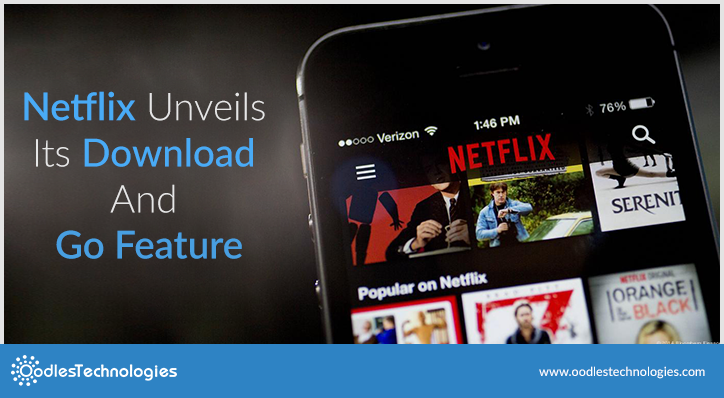
Netflix has been leading the way for the digital content that gives customers access to TV shows, movies, Netflix original series, and documentaries. It has over 93 million members in several countries.
Being one of the world’s leading Internet television network, people had been begging the service to add offline playback. Netflix’s now got a huge ace up its sleeve with offline viewing. Many TV shows, and some movies, documentaries, can be downloaded for offline viewing. This is obviously a plus point, as you can download your favorite show whenever you have a wifi connection and watch it later, anywhere.
Also read: How To Mirror iOS Devices To The Fire TV Via AirPlay.
Late last year, NetFlix relented and introduced the offline viewing. The service was offered initially for ios and Android phones and tablets. As these are the devices people are most likely to have with them on the go. Now you can binge The crown, orange is the new black, Dexter, grace and frankie and much more when you are off the network.
Download and go feature, lets you download the video and you can watch it later especially during flights or when you are on road. Right now, a limited roster of videos is available for “download and go” feature - due to rights issues. To get the downloading rights for all of its shows and movies, it is currently working with its partners.
Netflix now introduces the same feature on windows 10 laptops. You can now watch as much as you want, anywhere and anytime. The best part of Netflix is, you can play, pause, all without commercials. However, MacBook users still can't enjoy their favorite shows offline.
To get offline downloads, just update your iOS, you must be running 8.0 version or higher. And for android, you will need Android 4.42 Kitkat or higher. Download and go feature doesn’t work if you open up your browser to Netflix.com. You need to first download the Netflix app. When you open the app, you will see “download and go” pop-up. Then, look for “Available for download” button located on the details page of a TV show or movie. You can now see the whole collection of downloadable videos. You can easily find the offline-friendly content by a new downward-arrow icon.
So, as long as you’re using compatible devices and software, offline viewing is now a possible on Netflix.


Cookies are important to the proper functioning of a site. To improve your experience, we use cookies to remember log-in details and provide secure log-in, collect statistics to optimize site functionality, and deliver content tailored to your interests. Click Agree and Proceed to accept cookies and go directly to the site or click on View Cookie Settings to see detailed descriptions of the types of cookies and choose whether to accept certain cookies while on the site.















About Author
Vidushi Vij
Vidushi is a digital marketing professional. She work on SEO, SME, SMO, Content writing. She like listening to music and exploring new places.