How To Use Alexa On Amazon Fire TV
Posted By : Anirudh Bhardwaj | 06-Dec-2017
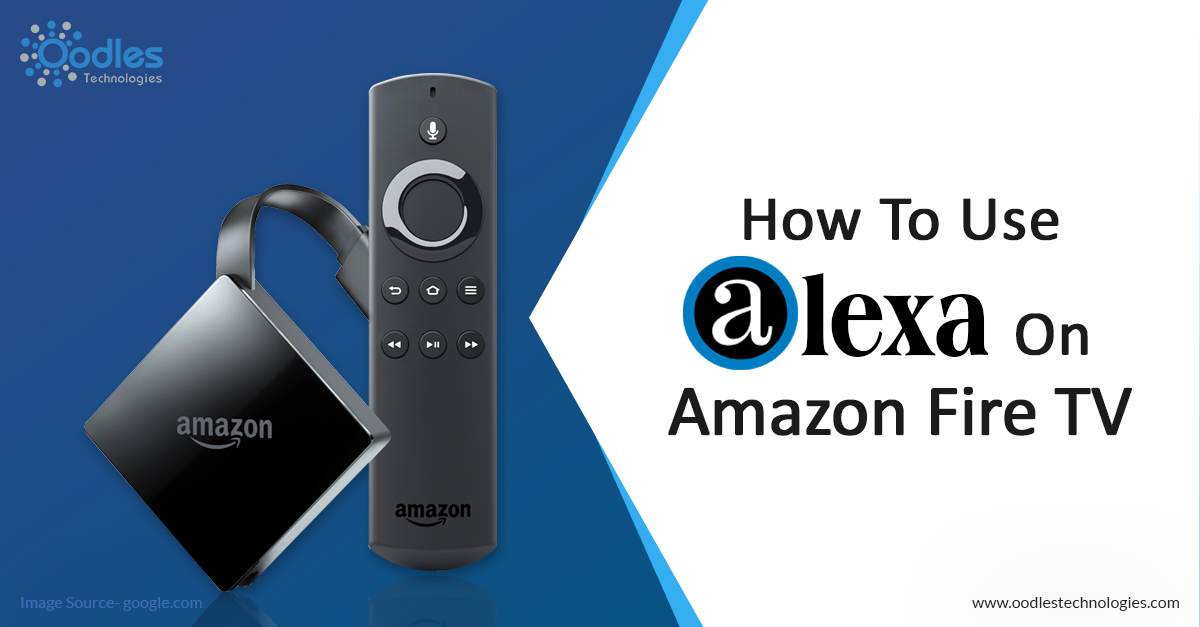
Alexa is a personal assistant developed by Amazon Inc. exclusively for the Amazon powered devices. Initially, it was designed to be used in hardware versions such as Amazon Echo and Amazon Echo Dot. However, Amazon later rendered support for the Fire TV as well. Alexa lets you perform a number of tasks through voice interaction. Alexa is also capable of music playback, setting alarms, streaming podcasts, playing audiobooks and providing real-time weather information.
There are two ways you can use Alexa to control your Amazon Fire TV device. First off, if you have a Fire TV remote with a Voice button, you can use it to perform specific functions on your Fire TV by interacting with Alexa. You can also perform the same action on your Fire TV remote app. Else, if you have an Alexa enabled device such as Amazon Echo or Amazon Echo Dot, you can also use it to control specific features of your Amazon Fire TV device without using a remote.
Also read How To Pair The Remote App With Your Amazon Fire TV.
Using Alexa Through Voice Remote
If you have a Voice button on your Fire TV remote, just press and hold the Voice button and say whatever you want Alexa to do for you. You can search for movies, TV shows, play music, launch apps and much more. However, if you don’t have a Voice button on your Fire TV remote, you can still perform the same action using the Fire TV remote app on your smartphone.
Whether you are using a remote or remote app, Alexa responds to your commands directly through the Amazon Fire TV. Many functions you perform appear on a separate display screen. You can return to the previous screen by pressing the Back or Home button on your Fire TV remote.
The Compatible Alexa Enabled Devices
If you have a compatible Alexa-enabled device such as Echo, Echo Dot, Echo Plus or Amazon Tap, you can use it to control many features of your Amazon Fire TV by giving voice commands. Just tell your Alexa-enabled device to perform an action and it will complete the action directly on your Fire TV.
But for that you’ll have to link your devices first. Linking Alexa to your Fire TV is pretty simple. Just make a request to play something on your Fire TV and it will be automatically paired with your Fire TV.


Cookies are important to the proper functioning of a site. To improve your experience, we use cookies to remember log-in details and provide secure log-in, collect statistics to optimize site functionality, and deliver content tailored to your interests. Click Agree and Proceed to accept cookies and go directly to the site or click on View Cookie Settings to see detailed descriptions of the types of cookies and choose whether to accept certain cookies while on the site.















About Author
Anirudh Bhardwaj
Anirudh is a Content Strategist and Marketing Specialist who possess strong analytical skills and problem solving capabilities to tackle complex project tasks. Having considerable experience in the technology industry, he produces and proofreads insightful content on next-gen technologies like AI, blockchain, ERP, big data, IoT, and immersive AR/VR technologies. In addition to formulating content strategies for successful project execution, he has got ample experience in handling WordPress/PHP-based projects (delivering from scratch with UI/UX design, content, SEO, and quality assurance). Anirudh is proficient at using popular website tools like GTmetrix, Pagespeed Insights, ahrefs, GA3/GA4, Google Search Console, ChatGPT, Jira, Trello, Postman (API testing), and many more. Talking about the professional experience, he has worked on a range of projects including Wethio Blockchain, BlocEdu, NowCast, IT Savanna, Canine Concepts UK, and more.